Workspaces

One place to plan, schedule, and track the work your business actually does.

Illustration for Workspaces

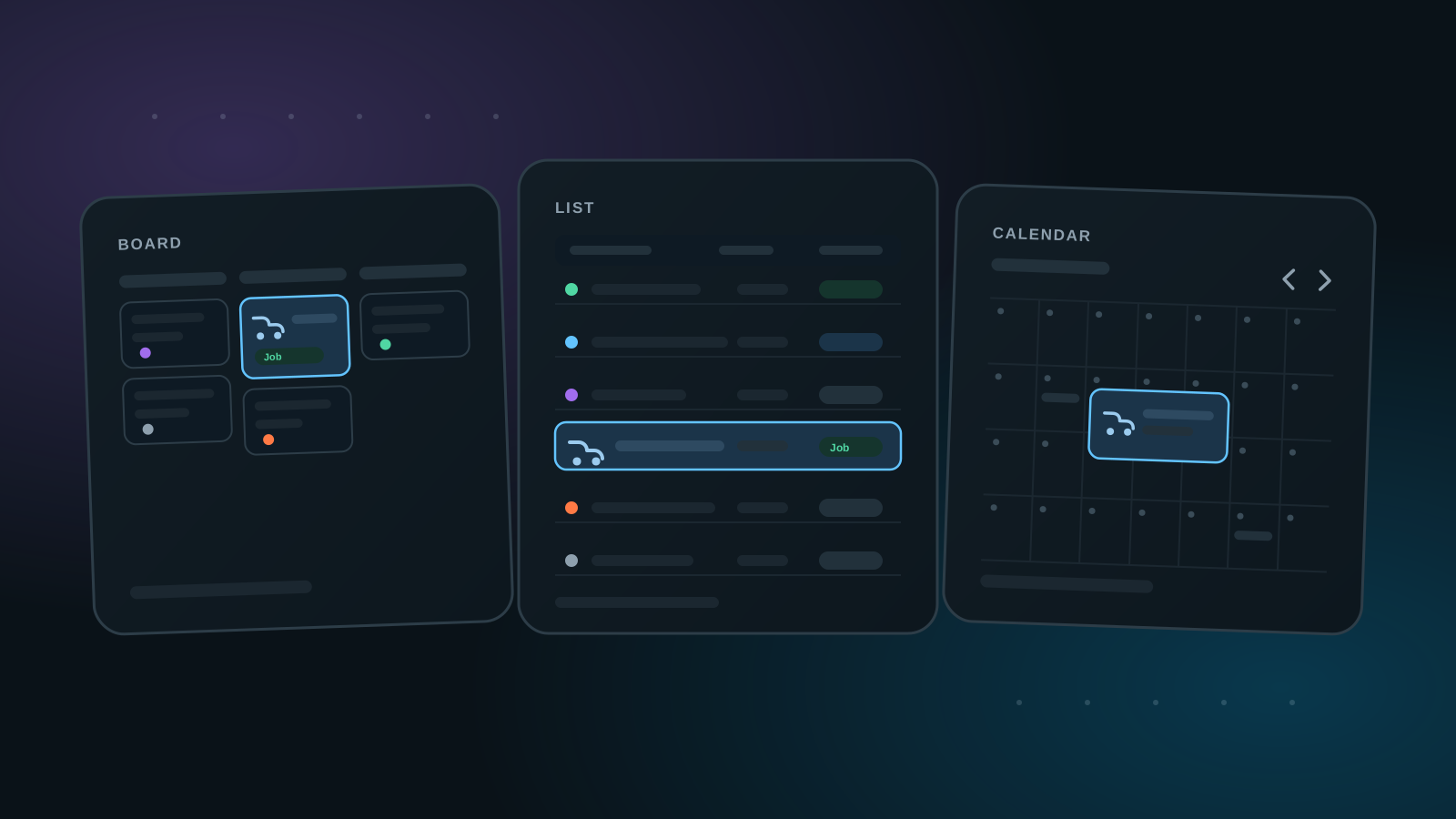
Think of a workspace as your calendar, task list, or kanban board. We provide several different views to navigate your open jobs and tasks — work with them as a list, on a board, or across month, week, and day calendars, whichever fits how you run your day.

There are two kinds of records that can be added to a workspace: jobs and tasks. Tasks are for simple internal business things that are not charged to a customer. Jobs have superpowers: they give you the ability to attach the job to a customer and to prepare review requests.

Current Capabilities
  • List, board, and month/week/day calendar views
  • Recurring task scheduling for repeating work
  • Tasks for internal to-dos, Jobs attached to customers
Why It Matters
  • Better visibility into active work and ownership
  • One shared source of operational truth for teams
  • Customer work stays connected to reviews and follow-up

Accuracy Notes

Audience: Every logged-in user, plus teams coordinating work

A workspace is your calendar, task list, and kanban board in one, with several views for navigating open jobs and tasks. Tasks cover simple internal work that isn't charged to a customer; Jobs attach to a customer and can prepare review requests.

This page reflects current app behavior and avoids speculative feature claims.