
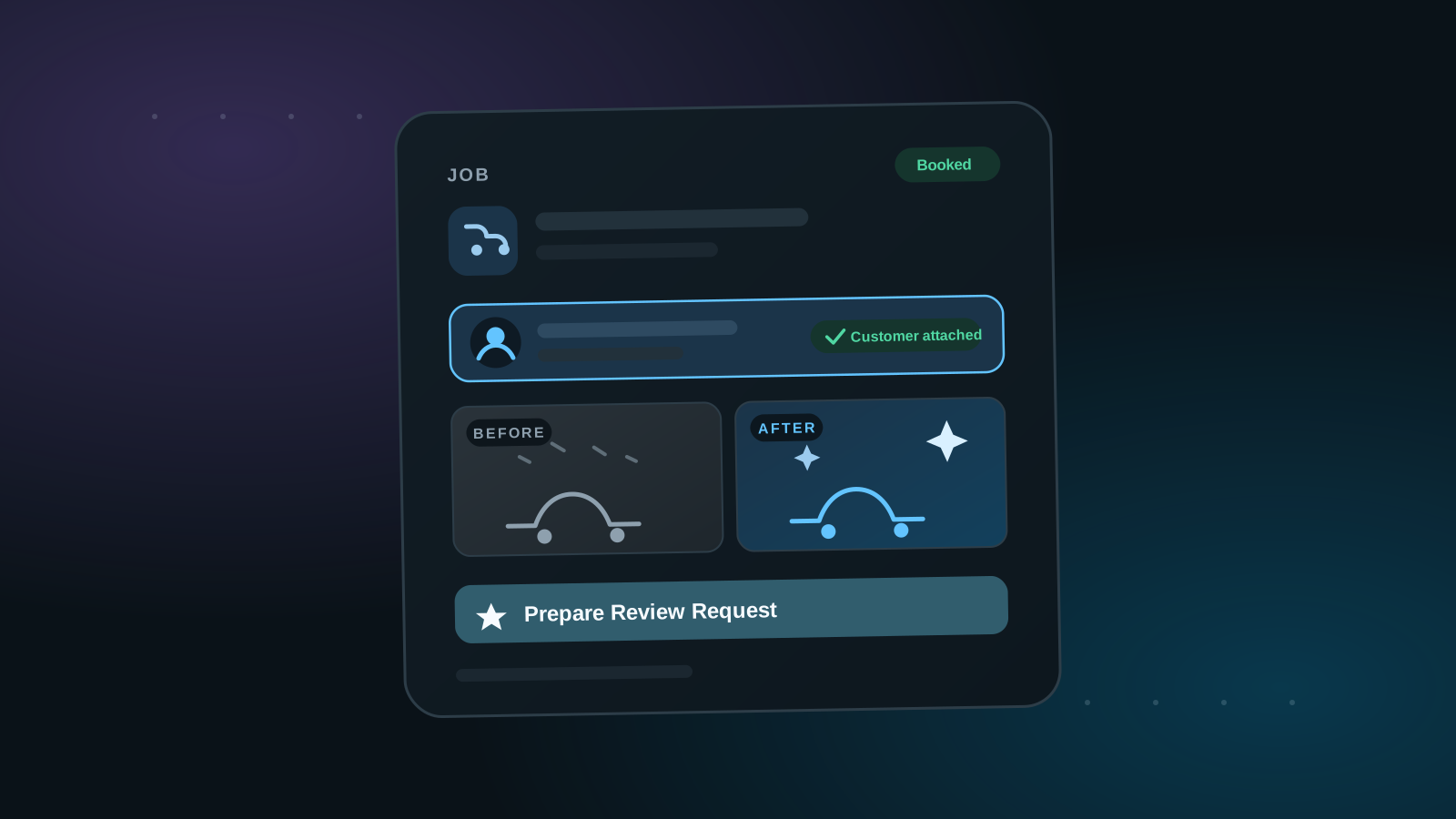
Jobs are the second kind of workspace record — the one with superpowers. Where a task is a simple internal to-do, a job represents real customer work, and that changes what it can do.
1. A job is attached to a customer
On a job record, you attach the customer the work is for. That connection is what separates jobs from tasks: the job knows who it's for, what the work is, and when it's happening — the full context of a real service.
2. Scheduled like everything else
Jobs live in the same list, board, and calendar views as your tasks, so booking a customer job and planning your internal week happen in one place. Move a job through your board lanes as it progresses, or work from the calendar on the day.
3. A job can prepare its own review request
Because the job knows the customer and the work, you can prepare the review request right on the job — including attaching your own before and after photos — so when the work is done, the ask is ready to send. That's the payoff of the job record, and it's covered in full in Sending from a Workspace Job under Reviews.