
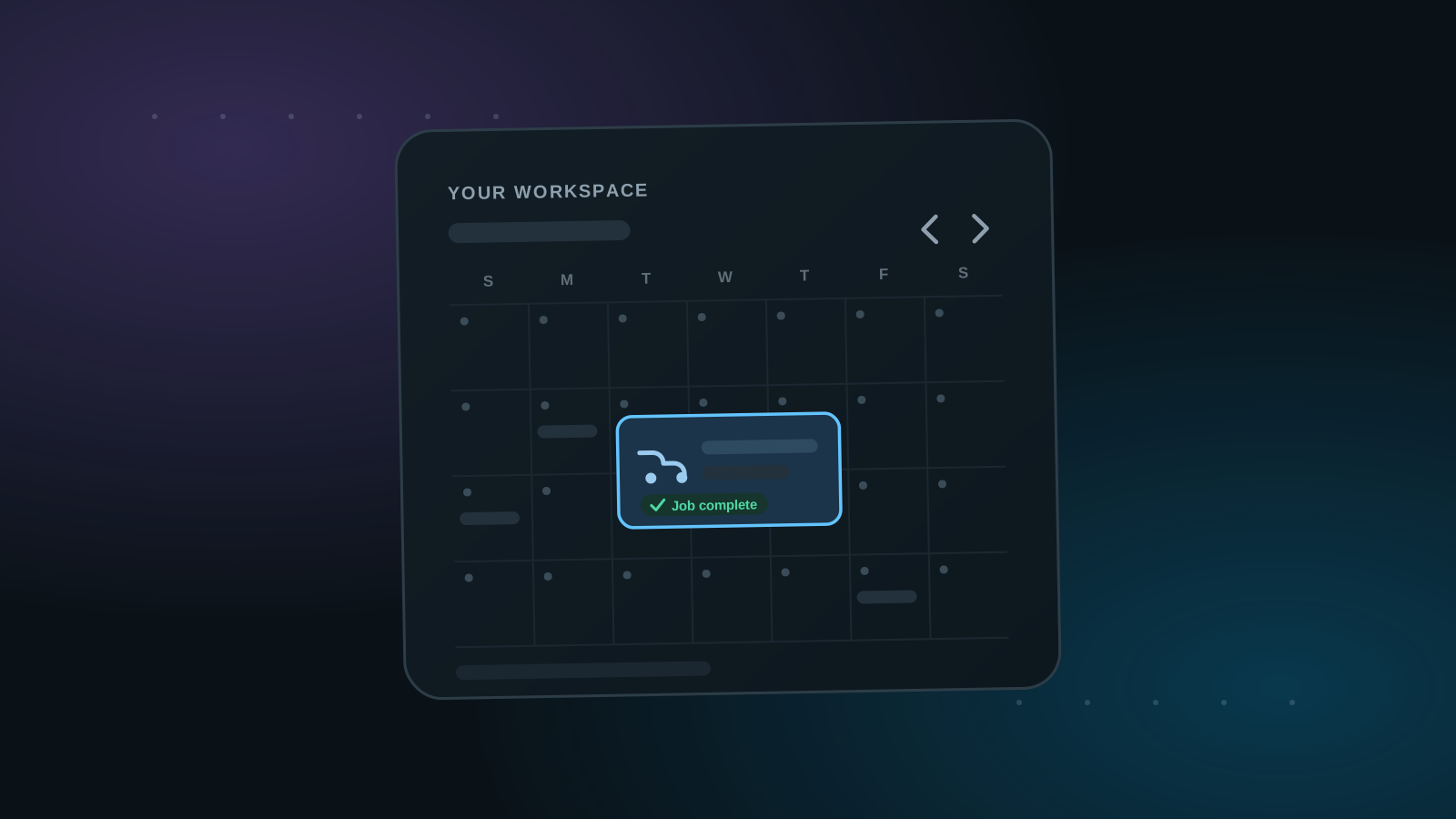
The second place a review request can start is a job in your workspace. If you already plan and track your work as jobs there, the review ask becomes part of finishing the job — no separate trip through your customer list required.
Of the two ways to send a review request, this is the best one. Sending from the customer record is the quickest and easiest, but the job route carries the highest benefit for your profile: it's the path that puts your own before-and-after photos alongside a verified review.
1. Tasks and Jobs: two kinds of workspace records
Your workspace holds two types of records: Tasks and Jobs. A Task is an internal business to-do, such as restocking supplies or cleaning the shop — work that isn't charged to a customer. A Job is different: it has superpowers.
On a job record, you have the ability to attach a customer and prepare all the information that will be used to send a review request at the end of the job. That's what unlocks everything else on this page: the job knows who the work was for and what the work was, so the review request goes out with that context already in place.
2. Generate the request from the job
When the work is done, you generate the review request right from the job you created for it. The job carries the context of the work performed, so the request that goes out is tied to a specific, real service — the same principle behind every review on Cleann.org.
3. You control the before and after photos
This is what makes the job path special: you are the one who attaches the before and after photos to the review request. The transformation you photographed on-site is what gets offered with the review — not whatever the customer happens to have on their phone. The customer stays in control of their review: they decide whether they want the photos included or not.
When they do, it's a real opportunity for your business profile. Reviews backed by your own before-and-after photos carry high trust signals — verified feedback and documented work in one place. That makes job-generated requests the better fit for showcase work: paint corrections, ceramic coatings, and full details where the before-and-after is the story.
4. Same delivery, same tracking
From there, the request works like any other: it reaches the customer by SMS, email, or a shareable link, and it shows up in the customer's request history alongside requests sent from their record.