
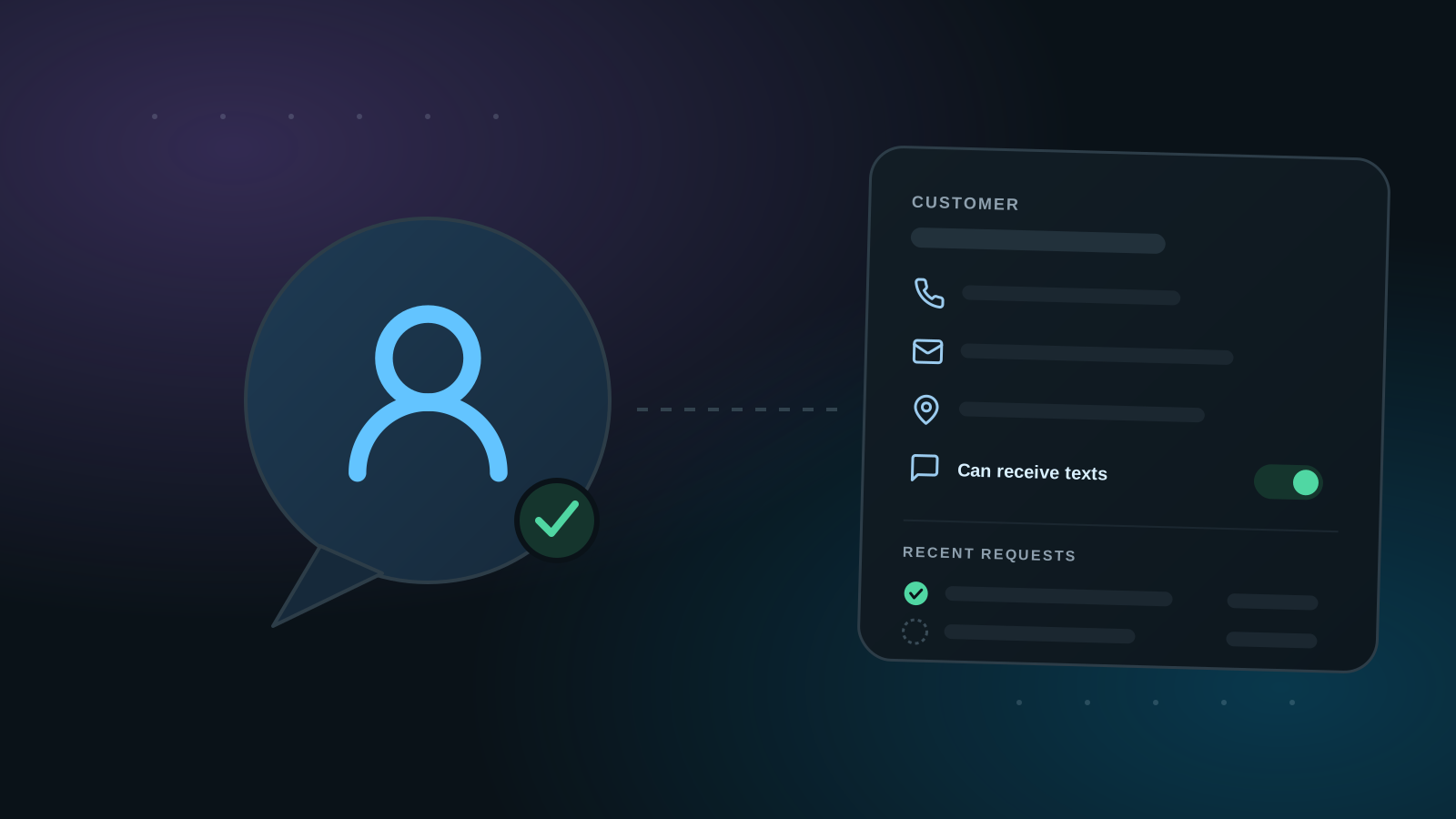
Review requests are generated from customer records — that's the reason this list exists. Think of it as the contacts list on your phone, but for your business: one record per customer you've done work for, and when it's time to ask for a review, the request starts from that record.
1. Customers belong to a business profile
Each customer is tied to one of your business profiles, so if you run more than one business on Cleann, every customer sits under the right one. Pick the business first, then add the customer.
2. Basic contact info, addresses, and text permission
Just like a phone contact, a record holds the basics: name, email, phone, and addresses, along with your own notes. You mark whether the customer can receive text messages right on the record — and if they've unsubscribed, requests to them simply don't go out.
You can also set a separate display name used in review requests, for when the name you file them under isn't how they'd expect to be addressed in a text or email.
3. The record is where you generate the request
When the work is done, you don't go somewhere else to ask for the review — you open the customer's record and generate the review request right there. The record's contact details and text permission decide how it can be sent: SMS, email, or a shareable link.
4. See every past review request before sending another
The record also shows all your past review requests to that customer — when you asked, which channel you used, and how it landed. That's what lets you determine whether it's acceptable to send them another request, instead of guessing and over-asking.